Philips Hue: Setup, Pairing and Why Bulbs Drop Off
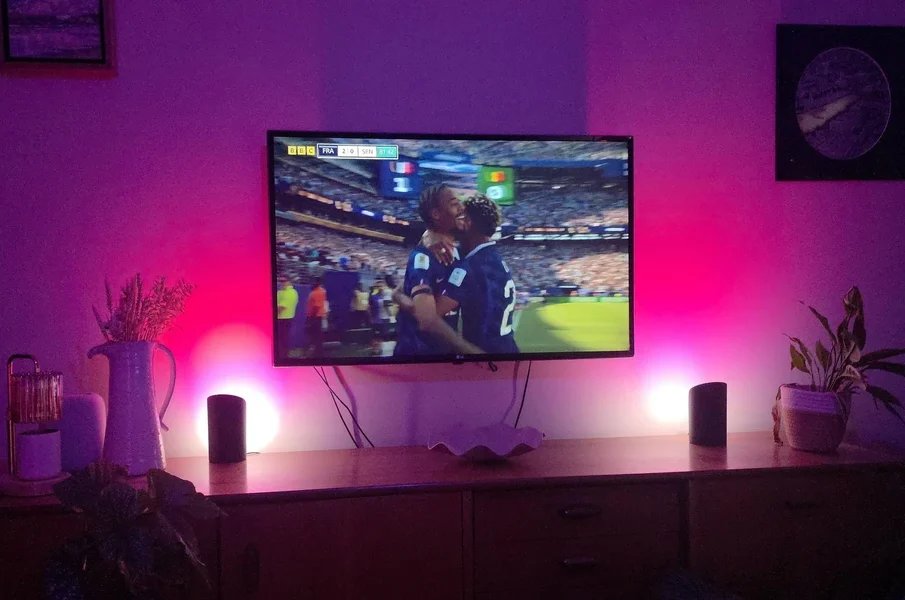
Smart lighting fails in ways ordinary lighting does not. A bulb that works perfectly when switched at the wall can still be invisible to the app, unreachable from outside the house, or stuck at a colour you did not choose. Almost all of it comes down to how the system is structured.
This guide covers the setup logic, the common failure points and the recovery procedures.
Reset sequences and product limits vary between generations, so the Philips Hue manuals for the exact bulb or bridge you own are the right reference.
Understanding the architecture first
Most Hue problems become obvious once the structure is clear. There are two ways bulbs connect:
Via a bridge – bulbs form a mesh network among themselves and talk to the bridge, which connects to your router by Ethernet. This supports the full feature set, including out-of-home control and larger installations.
Via Bluetooth directly – the app talks to bulbs from a phone, with no bridge. Simpler, limited range, fewer bulbs, and no remote access.
A large share of reported faults are actually the limits of Bluetooth mode being encountered. If you are controlling bulbs from your phone with no bridge and they become unreachable from another room, the system is working as designed.
The wall switch problem
This is the single most common complaint and it is not a fault. Smart bulbs need constant power. Switching them off at the wall cuts that power, and the app then reports them unreachable because they are.
The practical fixes: leave wall switches on permanently and control lighting through the app or a dedicated dimmer accessory, or fit a switch cover to prevent accidental operation. Some households simply mark the switch.
Bulbs that will not pair
Bring the bulb closer to the bridge during setup, then move it to its final position. Pairing range is shorter than operating range.
Confirm the bulb is actually powered and lit before starting a search.
Use the serial number entry option in the app if automatic search fails. The number is printed on the bulb body.
Check the bulb is a compatible product and a compatible region variant, since some products are region-specific.
Resetting a bulb
A bulb that was previously paired to another bridge or account usually needs resetting before it will join a new one. Two methods exist on most products: a power-cycle sequence performed at the switch, and a reset through the app or a compatible accessory held close to the bulb.
The power-cycle sequence differs between product generations, which is exactly the kind of detail worth confirming against the documentation for your specific model rather than a general guide.
Bulbs that drop off intermittently
Intermittent unreachability almost always points to mesh quality rather than to a faulty bulb.
Mains-powered bulbs act as repeaters; battery accessories do not. A network with few permanently powered bulbs spread far apart has a weak mesh.
Bulbs switched off at the wall break the mesh for everything behind them.
Thick walls, metal fittings and enclosed fixtures attenuate the signal.
Wireless interference from a congested 2.4 GHz environment can affect stability; changing your router’s Wi-Fi channel sometimes helps.
The usual remedy is adding a permanently powered bulb or a plug accessory between the bridge and the distant group, which strengthens the mesh rather than treating the symptom.
Bridge firmware and product limits change between generations, so read service manuals online for the hardware you actually own before resetting anything.
Bridge problems
The bridge must be connected to the router by Ethernet, not wirelessly.
The three indicator lights on the bridge each mean something specific – power, network and internet. Note which are lit before troubleshooting.
Restarting the router and the bridge in that order resolves a large share of connectivity issues.
Out-of-home control depends on the bridge reaching the internet, so a network with restrictive firewall rules can block it while local control still works.
Firmware and app updates
Bulbs and the bridge both receive firmware updates, and a mismatch after a partial update can produce odd behaviour – scenes not applying, bulbs responding slowly, or accessories being ignored. Checking that everything is fully updated is a reasonable early step when behaviour becomes inconsistent rather than absent.
Frequently asked questions
Can I use Hue bulbs with a normal dimmer switch?
Generally no. A mains dimmer interferes with the electronics and can cause flicker or damage. Dimming is handled in software.
Why do my lights come on by themselves?
Usually a routine, a scheduled automation, or a power-restore behaviour setting that defines what a bulb does when power returns.
How many bulbs can one bridge handle?
There is a documented limit per bridge, along with a separate limit on accessories. Large installations use more than one bridge.
Note: fitting and removing bulbs should be done with the fixture switched off at the wall. Reset procedures and product limits differ between generations, so confirm the details for your exact model.






-
Nvidia Price Action: Trading Earnings Gaps, Momentum Extensions and Volatility Contractions
Nvidia’s stock price can change dramatically when earnings reports, artificial intelligence demand, ... -
-
-
-